 Doclito
Smart scanning
Live edge detection and auto-capture. Scan a whole stack of pages in one go.
Doclito turns paper into clean, shareable PDFs in seconds. It finds the page edges, straightens it and removes shadows. It can also copy the text from any page.
Android 7.0 or newer · Your scans are processed on your device
Doclito does the fiddly parts for you: cropping, straightening and cleaning up every page.
Live edge detection and auto-capture. Scan a whole stack of pages in one go.
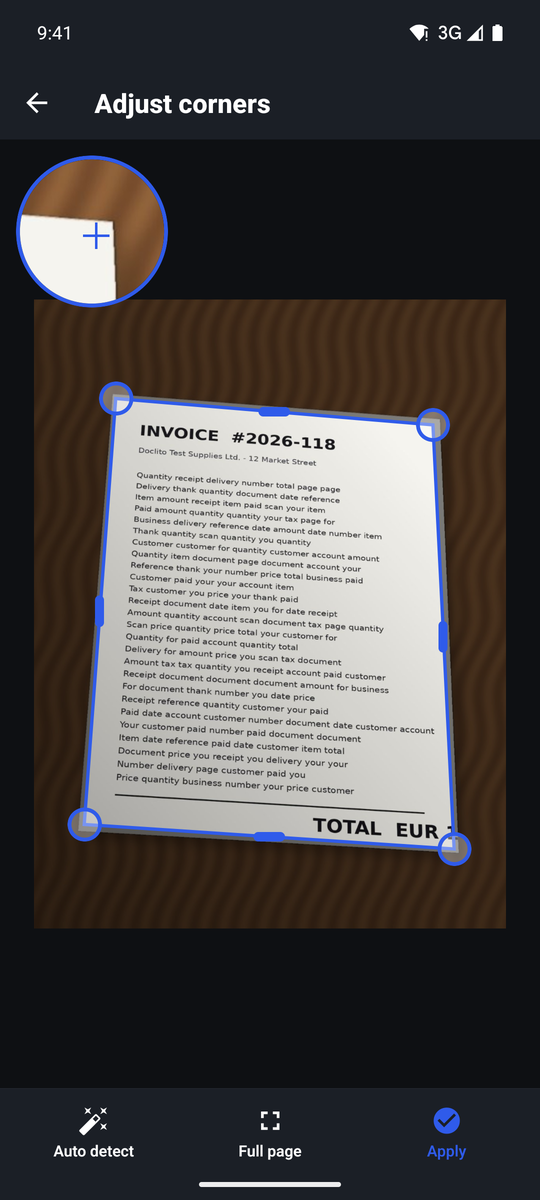
Doclito finds the page and straightens it, even when you took the photo at an angle. You can adjust the corners if needed.
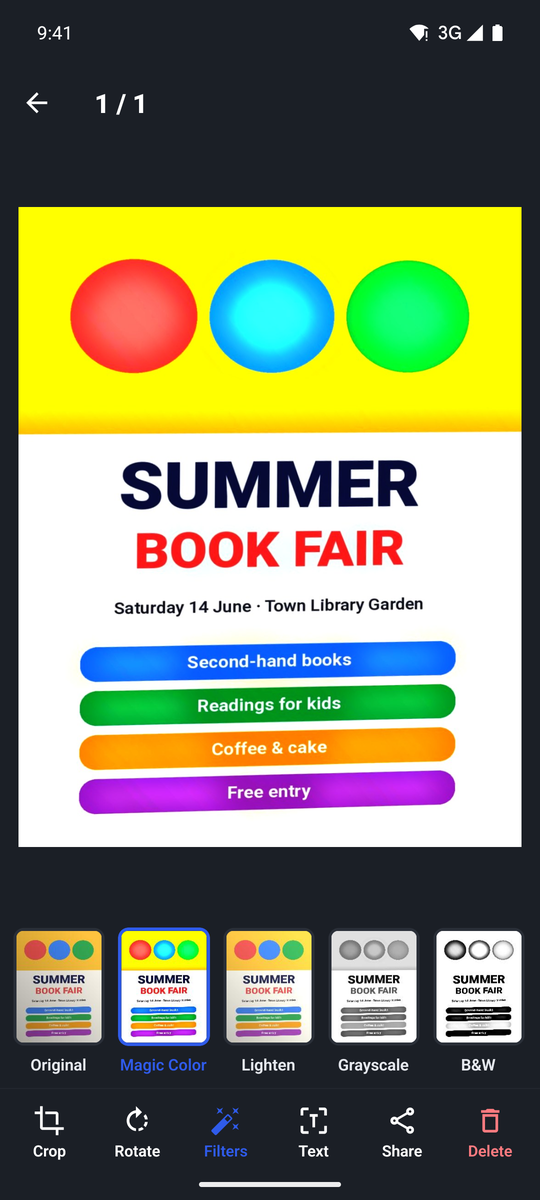
Magic Color, Grayscale and B&W remove shadows and whiten the paper, so it looks like it came from a real scanner.
A4, Letter, Legal or fitted pages, with margins, quality and watermark options. Share them, save them or print them.
Copy the text from any page, even offline, then share it or save it as a .txt file. Search documents by their text, too.
No account, no cloud. Your documents are processed and stored on your phone, and only leave it when you share them.
Point your camera at a document, or import photos from your gallery. Doclito finds the page for you.
Pick a filter, rotate or re-crop, and add, reorder or merge pages.
Send the PDF by email or chat, save it to your files or Drive, or print it.
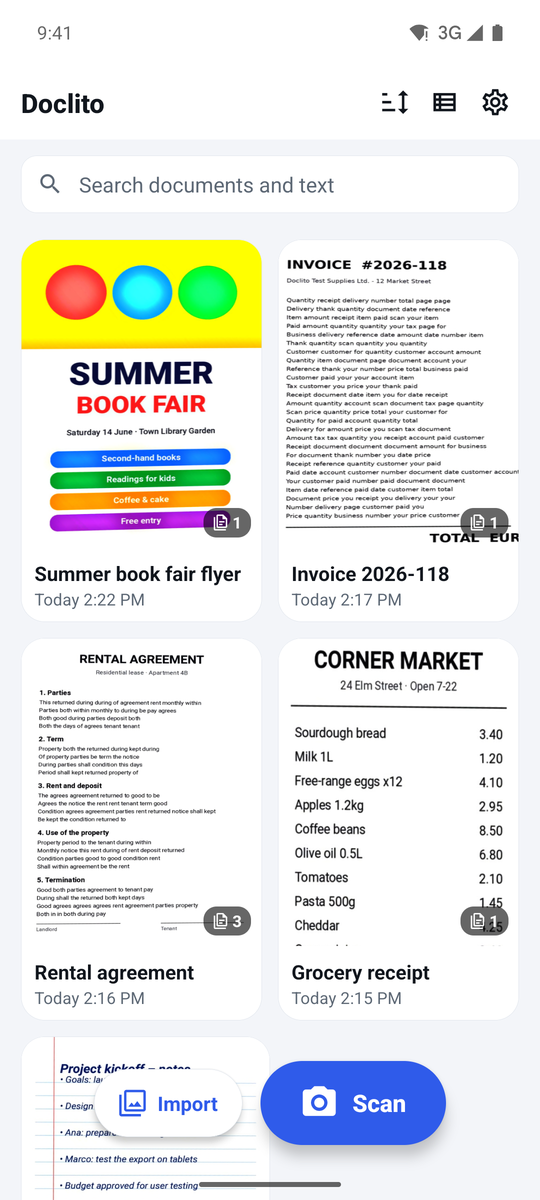
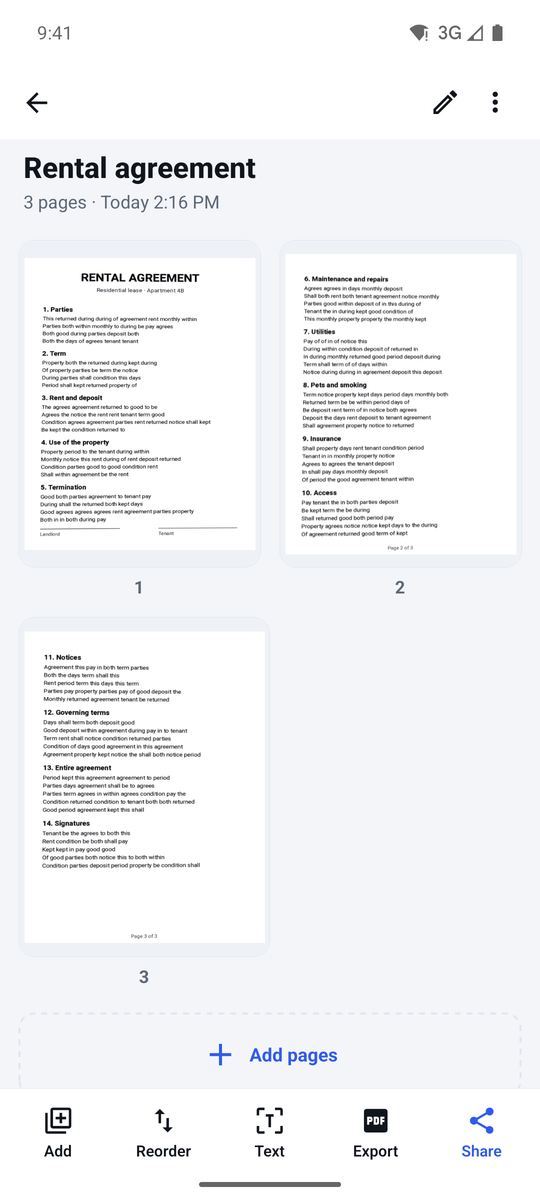
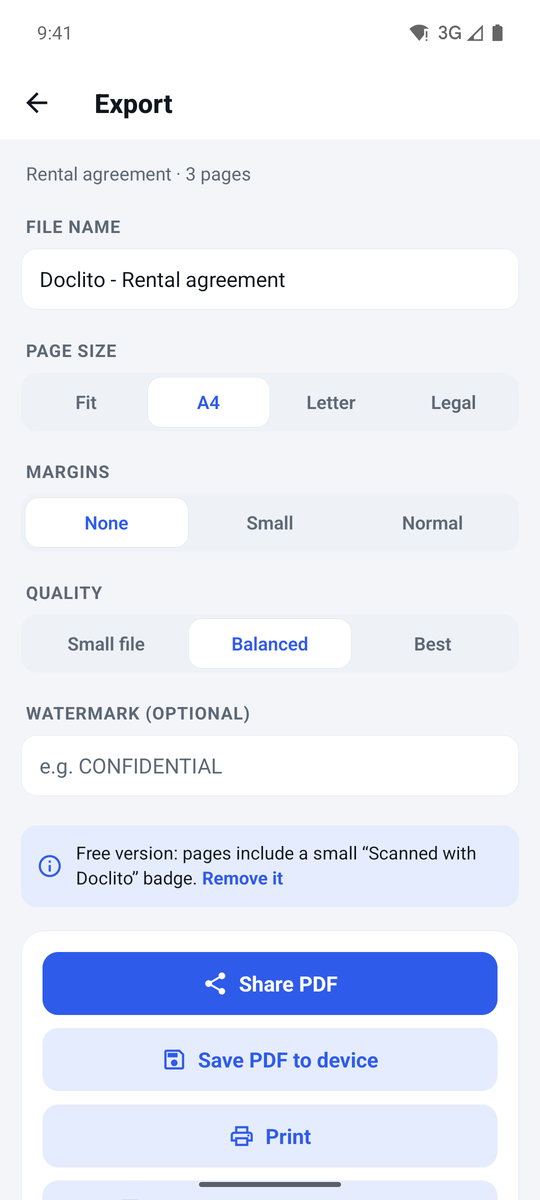
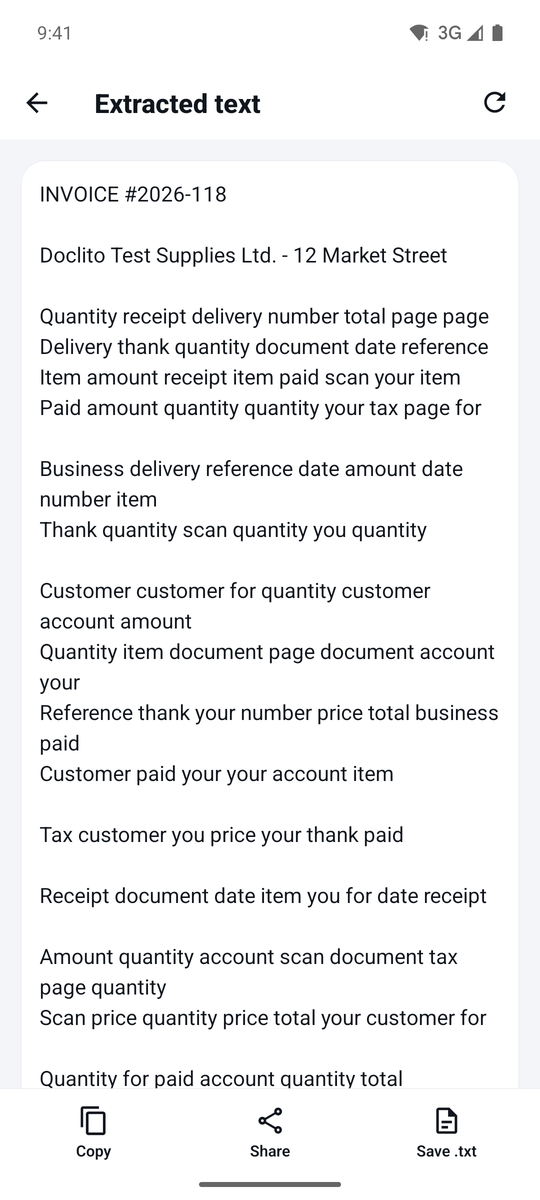
Upload photos of your documents, crop and clean them up, and download a PDF. It all runs in your browser; nothing is uploaded.
Yes. In the free version, exported PDFs and images carry a small "Scanned with Doclito" badge in a footer below the page. It never covers your document.
Only on your phone. Doclito has no account and no cloud storage. A document leaves your device only when you share or save it somewhere.
Yes. Scanning, filters, PDF creation and text recognition all work without an internet connection.
Android phones and tablets with Android 7.0 or newer. The web scanner works in any modern browser.